
What Better Way to End 2025?
So here's how I'm closing out the year: playing with an NVIDIA DGX Spark. Yes, that DGX Spark - the "personal AI supercomputer" that makes my wallet cry but my inner tech nerd do a happy dance.
But here's the thing - I'm already having a blast with it! LibreChat is absolutely awesome (spoiler: you'll see why below), ComfyUI is pure magic (more on that in future posts), and the courses over at stable-diffusion-art.com have been an incredible help getting up to speed with all this AI goodness. Seriously, if you're diving into image generation, those tutorials are gold.
And what better way to ring in the new year than with 128GB of unified memory and a Blackwell GPU sitting on my desk? I mean, some people do fireworks. I do neural networks.
(Yes, I'm aware that's possibly the nerdiest New Year's joke ever.)
Let me walk you through my first-day adventures getting this beautiful beast up and running. Fair warning: there may have been moments of childlike excitement, some creative problem-solving (read: frantically searching for a USB-C keyboard), and an unhealthy amount of "let's try this and see what happens."
The Unboxing
There's something special about unboxing new hardware. But unboxing a DGX? That hits different.
The packaging screams premium - NVIDIA clearly understands that when you're dropping serious money on a personal AI supercomputer, presentation matters. Opening the box felt like a tech ritual. Inside, nestled in protective foam, sat this compact powerhouse that somehow packs a Blackwell GPU and 128GB of unified memory into a form factor that actually fits on a desk.
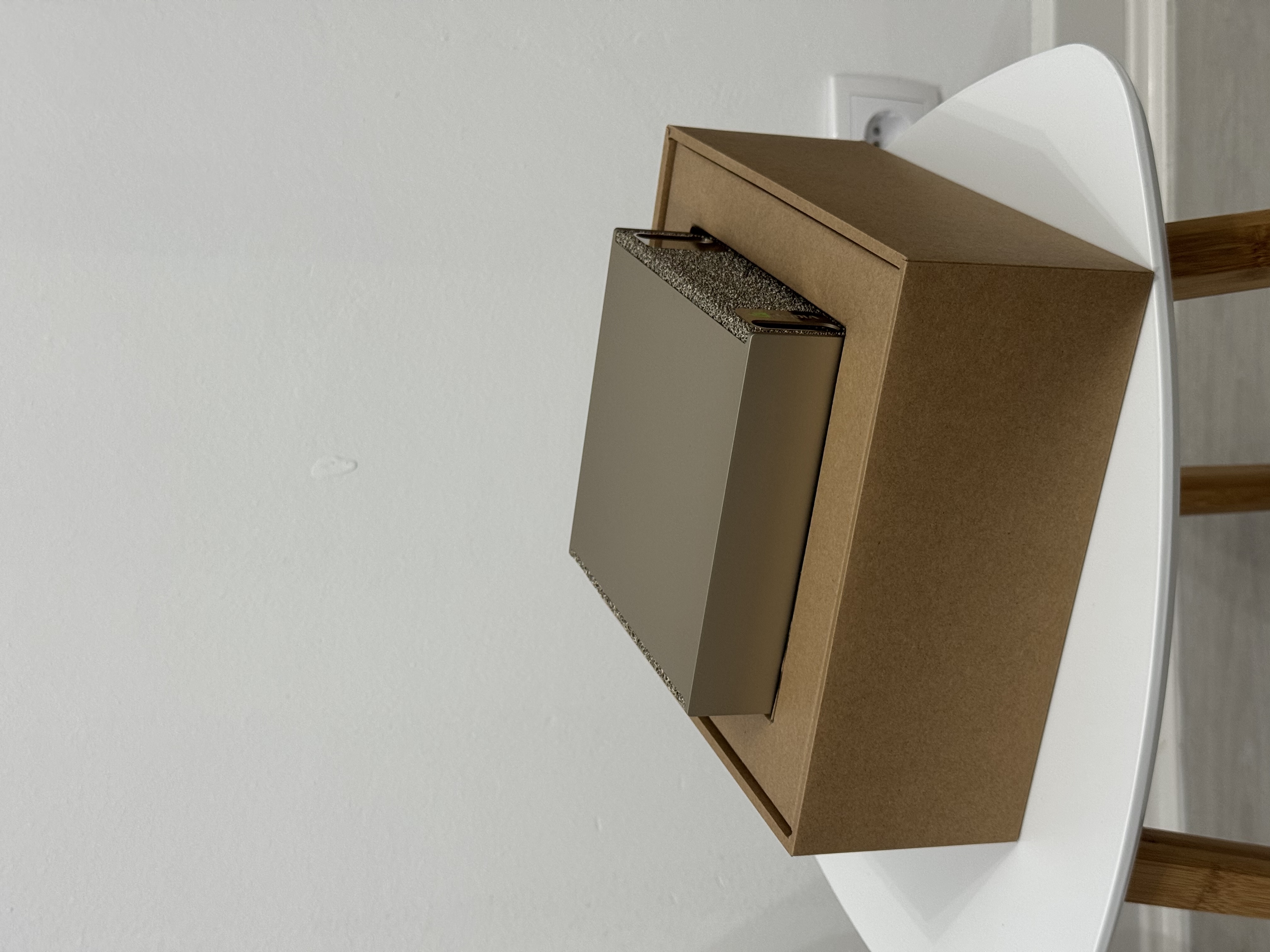
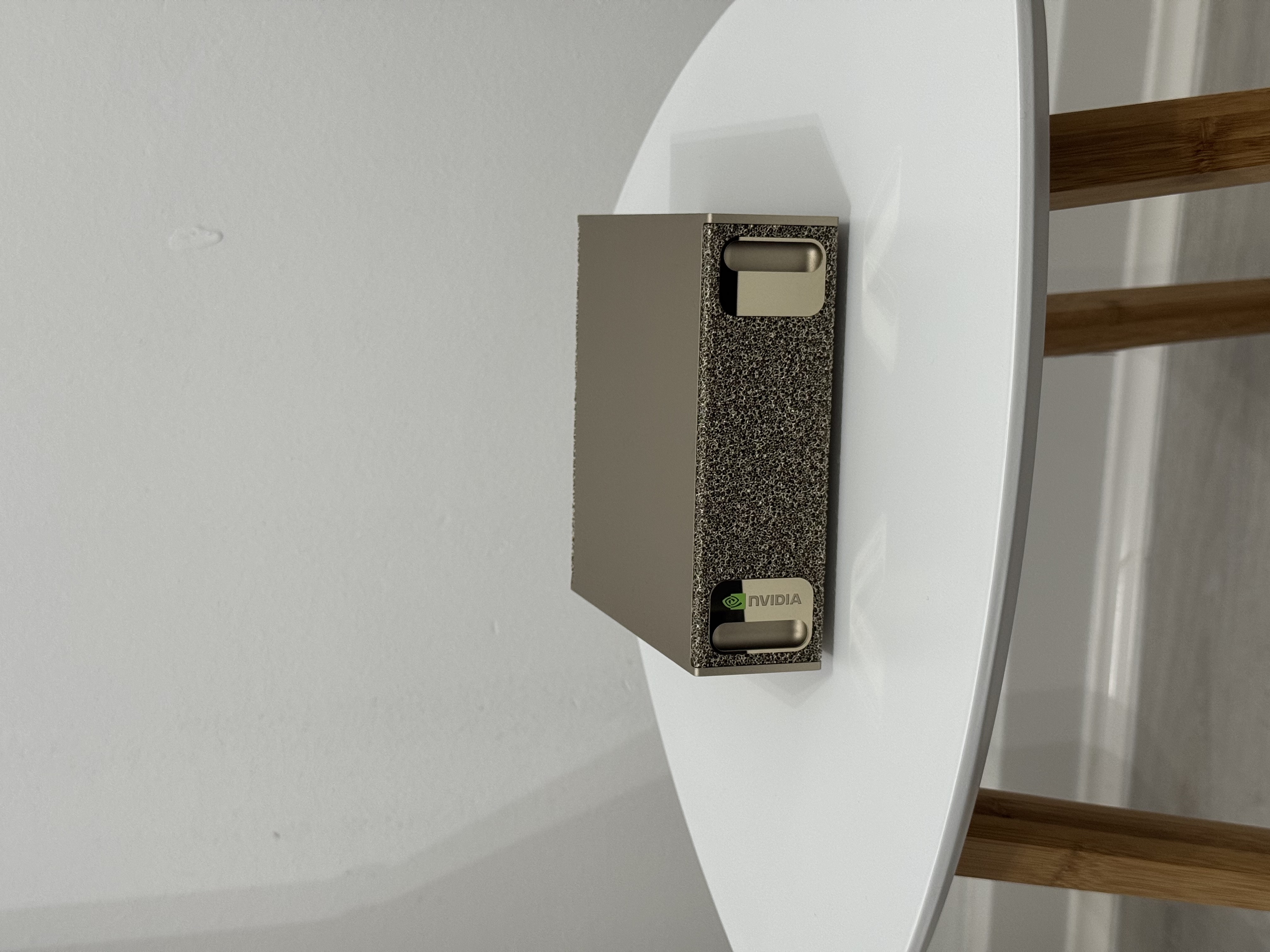
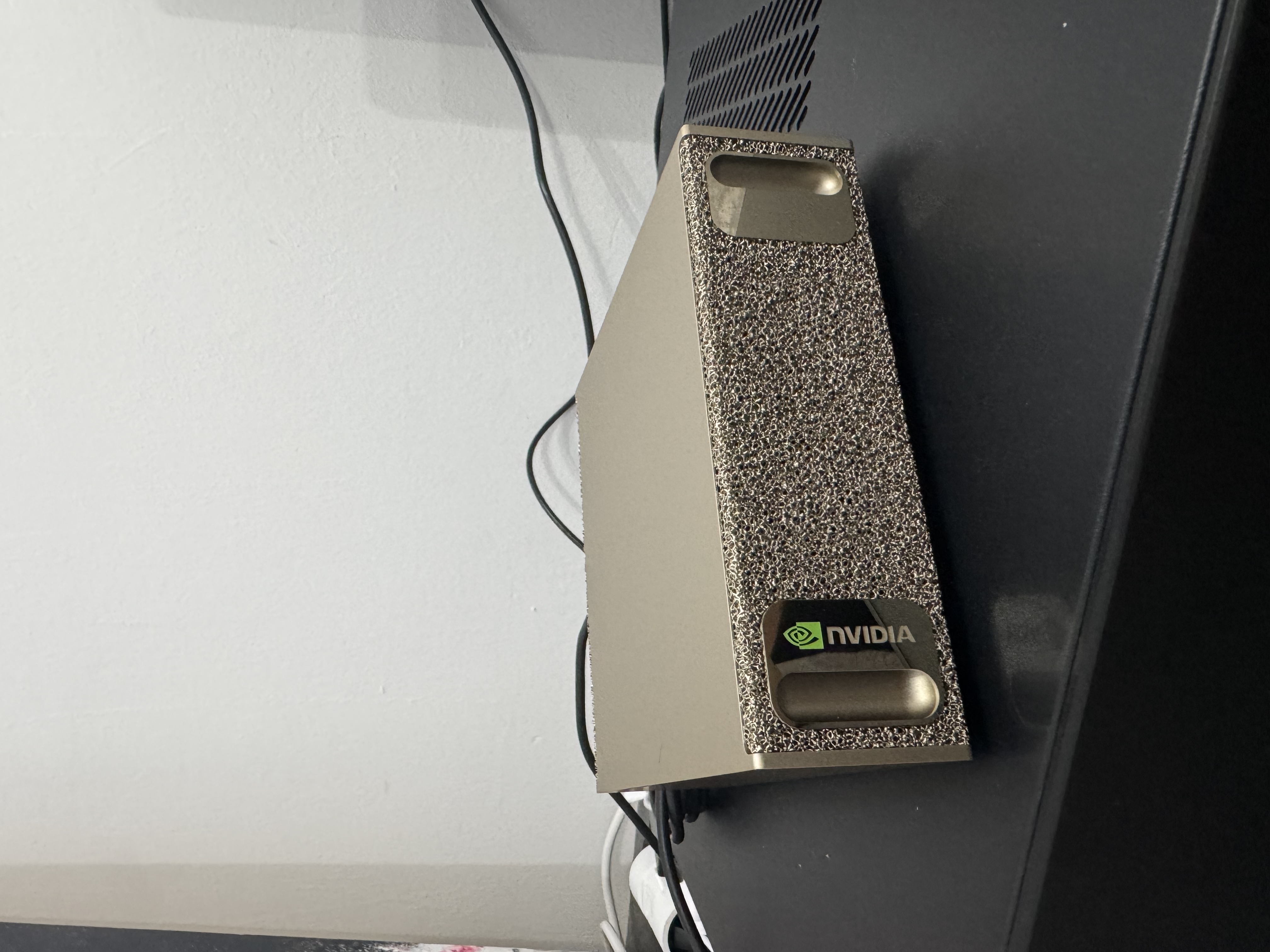
The unit itself is surprisingly compact. I expected something massive and loud, but NVIDIA engineered this thing to be almost civilized. Almost. We'll see how that holds up once I start pushing it with larger models. Everything was included - power cables, documentation, and that unmistakable feeling of "I'm about to have way too much fun with this."
Alright, enough admiring the hardware. Time to make it do things.
The Setup Experience
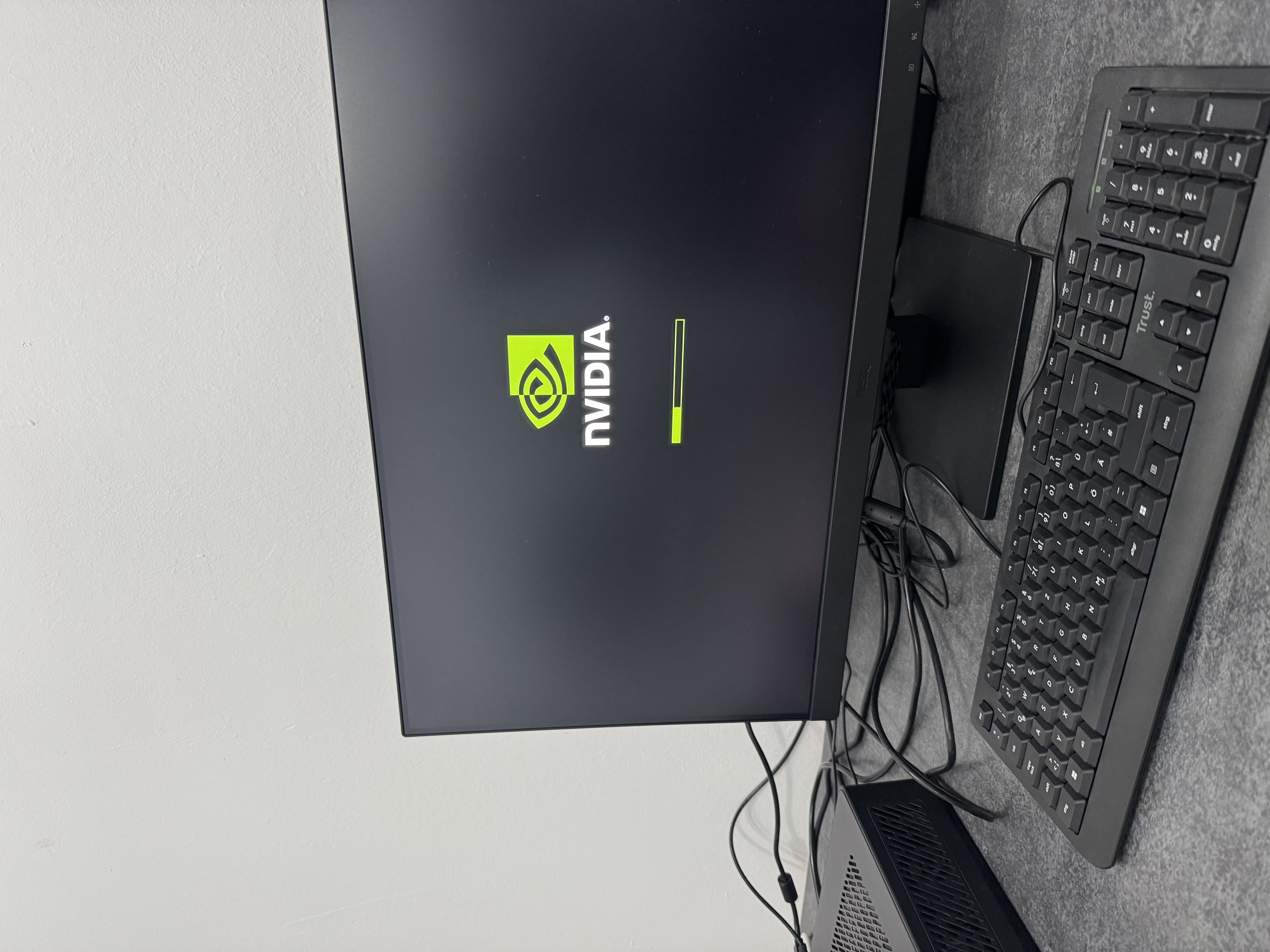
I went with the local installation method - straightforward enough. Well, mostly. Here's a fun discovery: do you own a keyboard with USB Type-C? No? Neither did I. Fortunately, a laptop docking station saved the day. Crisis averted.
Once the initial setup was complete, first things first - let's give this machine a proper identity:
Why spark-1? Because who knows if there'll be a spark-2 someday. Better to be prepared. Future me will thank present me for this foresight. Or curse me for the temptation.
Installing Ollama
After updating the system, I started with something familiar. Ollama has become my go-to for local LLM deployment - it's absurdly simple to set up:
|
Now, I know what you're thinking - "But what about vLLM? What about llama.cpp? What about those fancy self-compiled versions optimized for Blackwell's SM120 architecture?"
Yes, I've seen those posts. Yes, I'll explore them. But that's a future adventure. For now, let's start with the classics and make sure everything actually works before we go down the optimization rabbit hole.
With Ollama ready, time to pull a model:
Could I run the massive 120B parameter models? Absolutely - that's kind of the whole point of having this hardware. But let's walk before we run. Download a smaller model to verify everything works, then let the big ones download overnight while I sleep. Strategy.
Setting Up LibreChat
Running models from the CLI is fine for testing, but I wanted a proper web interface. Earlier this year, I wrote about Open WebUI for my self-hosted LLM setup - and it's great. But with new hardware comes the urge to try something new. Enter LibreChat - a fantastic open-source chat UI that plays nicely with local models and has some features I've been curious to explore.
Docker was pre-installed on the DGX Spark (nice touch, NVIDIA). Though my user wasn't in the docker group - but I'll assume you can figure that one out.
After some experimentation, I settled on these configuration changes:
Environment Configuration
In .env, the key change:
ENDPOINTS=custom
Docker Compose Override
Create a docker-compose.override.yml for your custom settings, and a librechat.yaml for the LibreChat-specific configuration.
docker-compose.override.yml
services:
  api:
    volumes:
      - type: bind
        source: ./librechat.yaml
        target: /app/librechat.yaml
librechat.yaml
---
version: 1.2.8
cache: true
endpoints:
custom:
- name: "Ollama"
apiKey: "ollama"
baseURL: "http://host.docker.internal:11434/v1/"
models:
default:
fetch: true
titleConvo: true
titleModel: "current_model"
summarize: false
summaryModel: "current_model"
forcePrompt: false
modelDisplayLabel: "Ollama"
And that's... almost it.
The Reverse Proxy Dance
Here's where it gets slightly more involved. LibreChat enforces secure cookies by default - great for security, annoying when you're hitting F5 every five seconds during development and don't want to re-authenticate each time.
The solution? Set up a reverse proxy with HTTPS. I use Caddy in my home infrastructure because life's too short to manage SSL certificates manually.
chat.int.domain.tld {
    @lan remote_ip 172.16.29.0/24
    handle {
        reverse_proxy @lan http://172.16.2.123:3080
    }
    handle {
        templates
        respond "Access denied, {{.RemoteIP}}" 403
    }
}
This configuration does a few things:
- Only allows access from my local network (the
172.16.29.0/24range) - Proxies requests to the DGX Spark running LibreChat on port 3080
- Returns a 403 for anyone trying to access from outside
It's not always open from outside but when it is (to refresh certificates) this is a great and easy way to deal with this.
I've also configured a custom DNS zone in my router to make chat.int.domain.tld resolve correctly, but that's infrastructure stuff for another post.
First Impressions
And just like that - we're live. Quick setup, everything working, ready to chat with local models running on actual Blackwell hardware. The response times are snappy, the interface is clean, and I can already tell this is going to be a fun playground.
What's Next?
Now that the basics are running, it's time to explore what this hardware can actually do. On my list:
- Document Understanding: Feed it files and see how well it comprehends them
- Voice Integration: Because talking to your AI is the future (or so I'm told)
- Image Generation with ComfyUI: Oh yes, this is happening. ComfyUI is incredible, and with a Blackwell GPU? I'm basically going to be that kid in a candy store. The stable-diffusion-art.com courses have been an absolute game-changer for learning all this stuff - highly recommend if you're curious about image generation workflows!
These are just the fundamentals to get comfortable with the platform. But honestly? Between LibreChat's slick interface for chatting with local models and ComfyUI's node-based wizardry for image generation, I've already had more fun than should be legal.
And you know what? That's exactly how I wanted to end 2025 - tinkering, learning, and discovering what's possible when you give yourself permission to just... play with cool tech.
Here's to closing out the year with new adventures, and to many more in 2026! 🎉
Stay tuned - this is just the beginning of the DGX Spark journey.